

Status
Validated

Case study / E-commerce (photo printing and custom photo products)

GTM Cleanup, GA4 Fixes, and a Server-Side Tagging Migration for Printique

PrintiqueUSCustom headless build / GA4 360GA4 · GTM · GA4 Audit · Server-Side Tagging · dataLayer Implementation

Printique.com website

Results recorded

ELIMINATEDDuplicate begin_checkout from a legacy tag
UNIFIEDPer-product ad tags into single dynamic tags
TRUSTEDEcommerce dataLayer in GA4's format
LIVEGA4 collection via server-side GTM

01 The broken state

Seven months after the funnels build, Printique brought us back for the foundations. Years of accumulated tagging had left Google Tag Manager with 184 tags, 198 triggers, and 94 variables, including hard-coded per-product tags for Facebook, Klaviyo, and Criteo, while GA4 was collecting 229 distinct events. A legacy analytics tag hard-coded on the site was double-firing begin_checkout into GA4, a phantom Outbound Click event fired on every page load, the purchase dataLayer still used the old Universal Analytics format, and everything ran client-side, exposed to ad blockers and browser restrictions.

02 What we changed

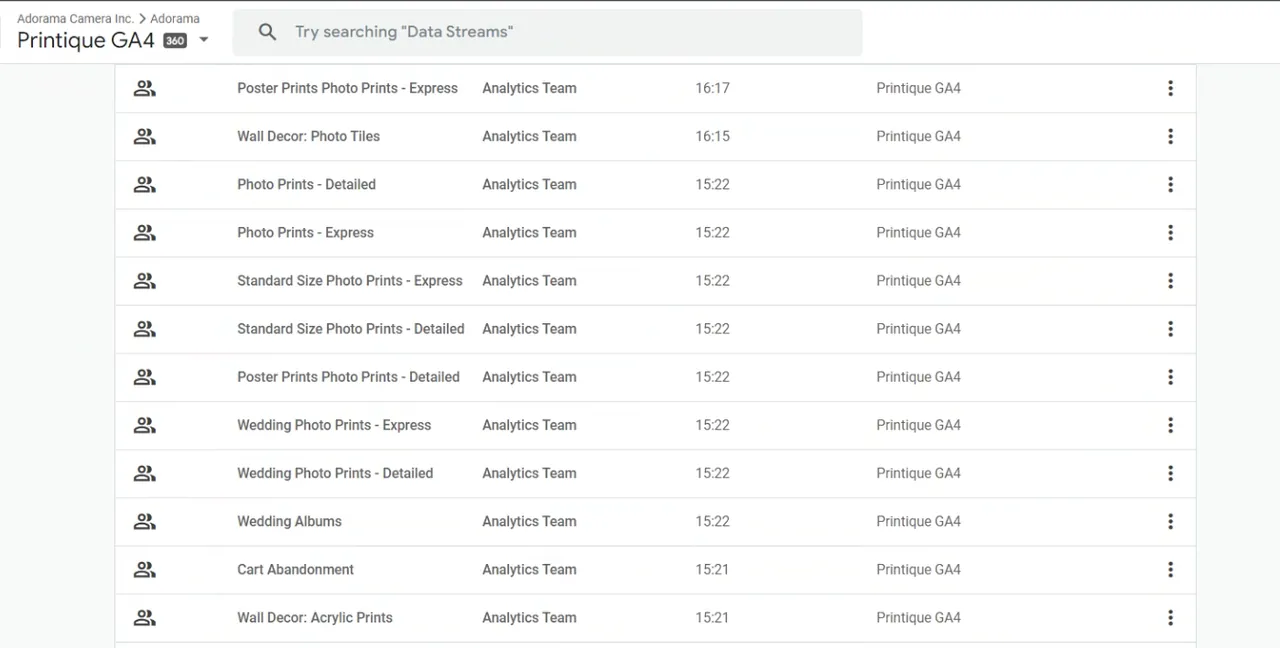
  1. Audited the GA4 property and GTM container end to end, documenting every issue with screenshots: duplicate begin_checkout events (one with funnel parameters, one without) from a legacy hard-coded tag, phantom Outbound Click firings, UA-format ecommerce dataLayers, and an unlinked Search Console
  2. Cleaned up the container: removed outdated and duplicate tags, triggers, and variables, applied naming conventions, and organized what remained into folders
  3. Replaced the hard-coded per-product Facebook ViewContent, Klaviyo, and Criteo tags with single dynamic tags reading from the view_item dataLayer
  4. Rebuilt the ecommerce dataLayer to Google's recommended GA4 format with the development team: items arrays with item_id, price, and quantity, an ecommerce object replacing the UA-era eventModel, and transaction_id, tax, and shipping on purchase
  5. Caught regressions during verification and had them fixed on production, including add_to_cart never firing in the Photo Prints editor flow and a mis-named item_category parameter
  6. Migrated GA4 tracking from the browser to a server-side Google Tag Manager container on a dedicated tagging server, cutting client-side tag load and hardening collection against ad blockers

03 The outcome

The cleanup turned years of accumulated one-off tags into an organized, documented container, and the rebuilt dataLayer means GA4, Facebook, Klaviyo, and Criteo all read from one consistent ecommerce source. With GA4 collection moved to a server-side container on a dedicated tagging server, Printique's measurement is first-party, lighter on the page, and resilient to ad blockers.

They did an excellent job optimizing our GA4 setup and made sure everything was working the way it should. … We're very happy with the results and would definitely recommend GA4 Experts to anyone looking for help with GA4.

Senior Director Product Management, Printique

Record specification

Sector
E-commerce (photo printing and custom photo products)
Region
US
Platform
Custom headless build, GA4 360
Services
GA4, GTM, GA4 Audit, Server-Side Tagging, dataLayer Implementation

Next step

Want results like these on your stack?

Book a 15-minute call and we will tell you, plainly, what is wrong with your tracking and how we would fix it.